












%20logo.png?width=500&height=250&name=Abraham%20Baldwin%20Agricultural%20College%20(ABAC)%20logo.png)

.png?width=500&height=250&name=maryville%20university%20logo%20(2).png)








.png?width=500&height=250&name=university%20of%20south%20carolina%20logo%20(2).png)









QuadC vs Knack
QuadC is a unified student success platform built for multiple sub-services. It helps staff spot risks early, coordinate support, and combine human expertise with AI-powered support. Knack focuses on peer tutoring looking to expand student-to-student help.
Top Features |
QuadC |
Knack |
| Early Alerts |  |
 |
| STEM-Friendly Teaching Tools | |
 |
| Video Conferencing & Advanced Whiteboard | |
|
| Designed to Support Multiple Sub-Services | |
|
| Facilitates Access to Out-Sourced Services | |
|
|
AI for Students and Staff |
|
|
Integrations

Connect with the tools you already use.
Both QuadC and Knack support key campus integrations, including SSO, LMS, SIS, and conferencing tools. This ensures a smooth workflow and eliminates complex integrations.
Integrations |
QuadC |
Knack |
| Zoom | |
|
| Microsoft Teams, WebEx, and Google Calendar | |
|
| Student Information System (SIS) | |
|
| Learning Management System | |
|
Configuration
A customized experience with only the features you need.
QuadC supports tutoring, advising, writing centres, coaching, mentoring, and more. Knack focuses on peer tutoring only and does not offer configuration for other support units.
Configurations |
QuadC |
Knack |
| Tutoring | |
|
| Writing Support | |
|
| Advising | |
|
| Coaching & Mentoring | |
|
| Early Alerts Powered by AI | |
|
| AI for Students | |
|
| AI for Educators | |
|
Video Conferencing
Access a seamless virtual meeting space.
QuadC provides built-in video conferencing and a digital classroom with math tools, coding environments, and asynchronous editing features. Knack offers a simpler online classroom for tutoring sessions.
Video Conferencing Features |
QuadC |
Knack |
| Video conferencing with audio, video, and text chat, a shared whiteboard, and drawing and math tools | |
|
| Ability to teach and practice coding within the whiteboard | |
|
| One-to-many video sessions | |
|
| Asynchronous & synchronous document editing | |
|
| An included eTutoring module with file upload, written response, and email response tools with a dedicated slot-based schedule interface | |
|
| Access to video recordings of previous tutoring sessions | |
|
| STEM-friendly teaching tool | |
|
Early Alerts
Tools that allow you to catch problems before they get out of hand.
QuadC’s data-driven approach provides actionable insights to help you proactively identify struggling students and personalize their learning experience. Knack does not have an Early Alerts feature at this time.
Early Alerts |
QuadC |
Knack |
| Manually triggered | |
|
| Automated triggers, case management, assign cases to multiple teams, single-source of truth for student info | |
|
Administrative Tools
Administrative tools designed to support staff holistically
QuadC brings all learning support services into one platform, helping staff manage scheduling, notes, workflows, and attendance. Knack reduces admin work by managing peer tutors but focuses only on tutoring operations.
Administrative Tasks |
QuadC |
Knack |
| Scheduling flexibly operated by self-serve or staff-managed | |
|
| Easily configured single-sign-on and LDAP authentication capabilities | |
|
| Tracking attendance of students and tutors | |
|
| No-show policy tracking, notifications, and enforcement | |
|
| Designed to support advising | |
|
| Designed to support the writing center | |
|
| Designed to support tutoring | |
|
| Designed to support counselling | |
|
| Designed to support supplemental instruction | |
|
Reporting
Advanced-Data to Improve Your School's Performance
Both systems offer usage reports. QuadC adds deeper analytics across tutoring, advising, writing help, and early alerts. Staff can build custom reports, track student outcomes, and export data when needed.
Reporting Features |
QuadC |
Knack |
| Customizable reports with charts, graphs, and statistics which eliminate the need for manual data entry | |
|
| Can easily export data into CSV files to share | |
|
Student Features
Intuitive student features to increase ease of use
QuadC includes chat, social-style discovery tools, and a clean interface that works across all services. Knack offers a friendly matching process but focuses on peer tutoring.
Student Features |
QuadC |
Knack |
| Instant messaging feature between hosts, students, and administrators | |
|
| One can easily search for services or tutors in a social media-inspired interface | |
|
| Support online sessions | |
|
| Support in-person sessions | |
|
| Can see a log of all past, current, and upcoming sessions | |
|
| Customer tech support | |
|
| Daily live seminars for tech support for training and ease of use | |
|
| Allows schools to consolidate multiple programs and services | |
|
| New features/updates are installed automatically and without additional costs | |
|
AI
Engage with AI tools ethically
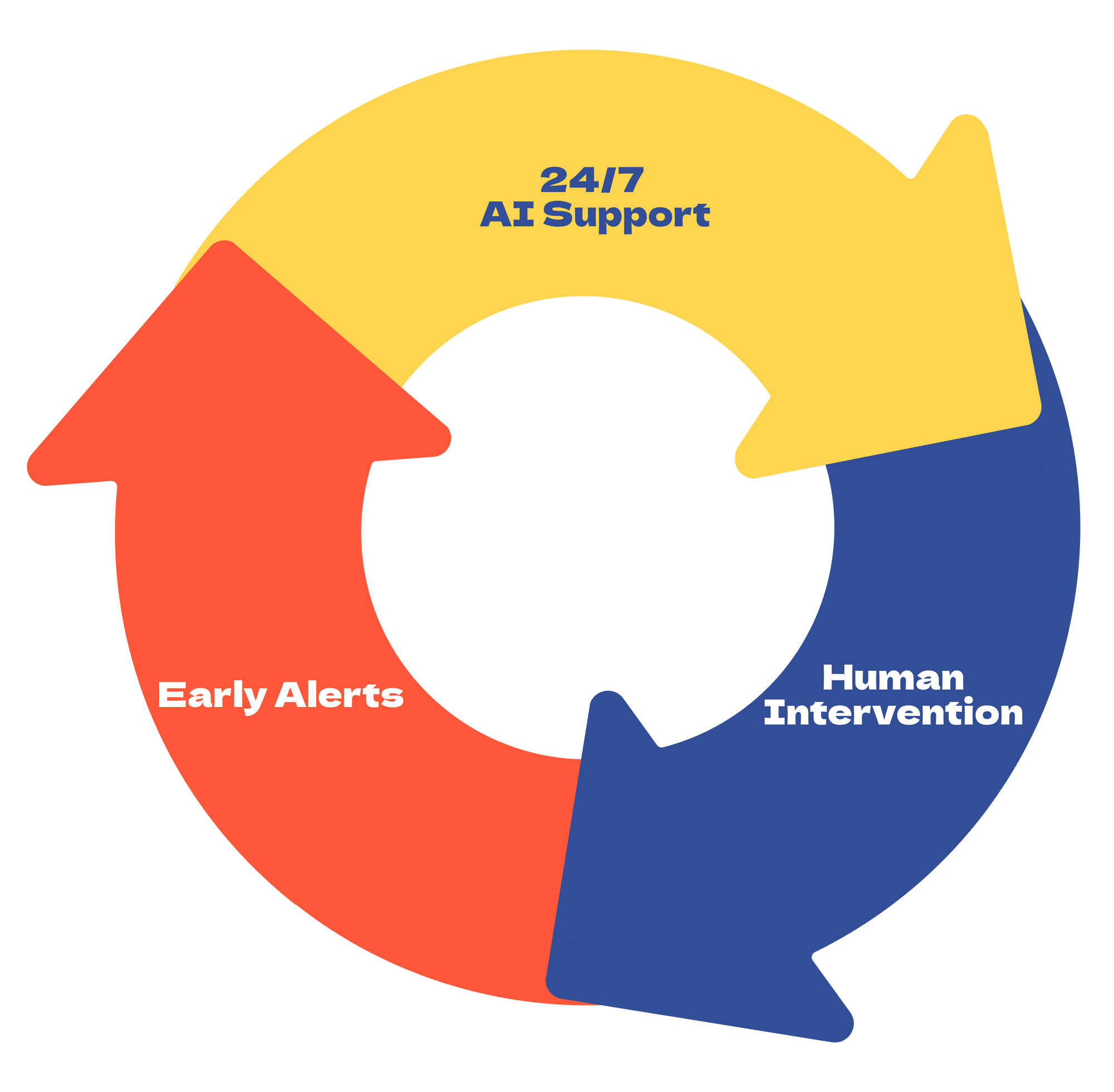
QuadC takes student support further than Knack by combining AI and human tutoring. Unlike Knack, QuadC’s AI Tutor provides 24/7 tailored help powered by multiple large language models, so students always have guidance and can connect with human tutors when needed. QuadC AI also includes adaptive learning, early alerts, LMS integration, group chats, and embeddable AI bots. This all-in-one approach supports students at scale while giving educators and administrators actionable insights to improve outcomes.
AI |
QuadC |
Knack |
| AI Tutoring Features for Students, Tutors, and Administrators | |
|
|
AI 'Study Buddy' - Supplement to Human Tutors and Instructors, 24/7 Quick Question and Answers (guidance, not direct answer). |
|
|
|
Human Tutor integration: connects students with relevant professionals from your school (Tutor, Advisor, Teaching staff) when extra support is needed. |
|
|
|
Multiple large language models (LLMs) for the price of one |
|
|
|
LMS integration for seamless academic support |
|
|
|
Shared seats licensing model for flexible institutional use |
|
|
|
Group chats with multiple humans and AI bots in the same conversation |
|
|
|
Embeddable AI bots on campus websites and LMS |
|
|