










%20logo.png?width=500&height=250&name=Abraham%20Baldwin%20Agricultural%20College%20(ABAC)%20logo.png)

.png?width=500&height=250&name=maryville%20university%20logo%20(2).png)






.png?width=500&height=250&name=university%20of%20south%20carolina%20logo%20(2).png)






Feature |
|
BoodleBox |
|
| AI model control | Multiple AI models |  |
 |
| Promote critical thinking with guidance | |
 |
|
| Features for students and educators | Course-specific bots | |
|
| Group Chat (students & AI) | |
|
|
| Socratic Mode | |
|
|
| Connect students to subject experts | |
|
|
| Features for administrators | Early Alerts powered by AI | |
|
| AI Campus Support | |
|
|
| LMS integration | Connect with Brightspace, Canvas, Moodle, and Blackboard | |
|
| Licensing model |
Shared-Seat | |
|
| Fixed site-license | |
|
|
| Privacy & Security | Data Stays Institution-Controlled | |
|
| Queries not used for model training | |
|
|
| Reporting & Analytics | Usage trends and bot performance | |
|
| Engagement & Learning Gaps | |
|
|
| Sentiment / Concern Detection | |
|
|

AI model
Both QuadC and BoodleBox allow access to multiple AI models, enabling faculty and students to compare outputs, evaluate biases, and choose the best approach for each learning task. QuadC stands out by adding structured educational guidance and Socratic prompts to support critical thinking and keep students aligned with learning goals, while BoodleBox emphasizes a more open-ended, exploratory AI experience.
Feature |
QuadC |
BoodleBox |
| Multiple AI models (GPT, Gemini, Claude, LLaMA, and others) | |
|
| AI literacy development | |
|
| Promote critical thinking with guidance | |
|
| Specialized bots | |
|
| Native AI platform experience |  |
|
Features for students
QuadC adds Human-AI Integration that connects students to live tutors or advisors when AI alone isn’t enough, helping reduce frustration and improve learning outcomes. Socratic Mode guides students through questions rather than giving direct answers, supporting critical thinking and deeper understanding. QuadC also includes writing and essay-feedback tools and prebuilt educational workflows that help keep learning structured and academically aligned.
Feature |
QuadC |
BoodleBox |
| AI Tutor Chat | |
|
| Recommended human experts | |
|
| Group chat (multiple humans and AI bots) | |
|
| Socratic Mode | |
|
| Q&A Feedback | |
|
| Quizzes | |
|
| Study planning | |
|
| Writing tool | |
|
| Course-specific bots | |
|
| Essay feedback tool | |
|
Features for educators
QuadC takes a more academic approach. Along with custom course bots, it adds Socratic guidance, structured learning workflows, writing and essay feedback, and Human-AI Integration that connects students to real tutors or advisors when needed. This combination keeps learning aligned with course goals and gives institutions stronger control over how AI supports teaching and student outcomes.
Feature |
QuadC |
BoodleBox |
| AI Chat | |
|
| Group chat (multiple humans and AI bots) | |
|
|
Lesson planner |
|
|
| Quiz generator | |
|
| Custom bots | |
|
| Feedback and grading | |
|
| Reporting | |
|
| Sentiment analysis | |
|
Features for administrators
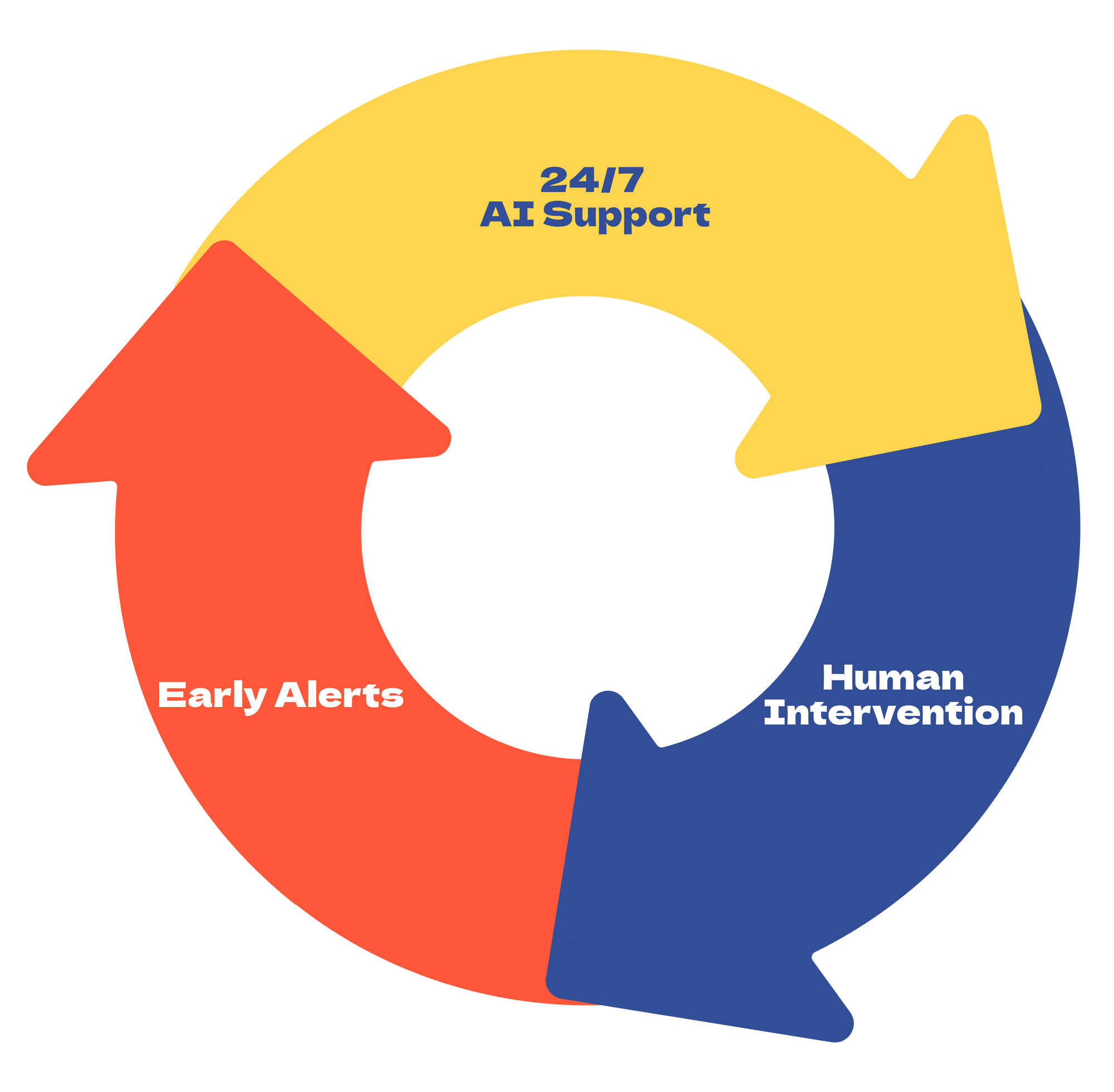
Both QuadC and BoodleBox offer an admin portal to manage users and monitor usage. QuadC AI adds education-specific insight, including learning trends, and seat-demand reporting, plus an embeddable SupportBot for 24/7 help on campus sites. This gives administrators tools that connect directly to student support and operational decisions.
BoodleBox provides workspace management and usage analytics focused on activity levels and bot performance, especially in its Enterprise tier. While helpful for monitoring platform use, it does not surface student risk or learning-focused patterns. QuadC’s advantage is clearer visibility into learner needs and proactive intervention opportunities.
Feature |
QuadC |
BoodleBox |
| Human-AI integration (access to subject experts) | |
|
| Admin portal | |
|
| Reporting & Analytics | |
|
| Early alerts powered by AI | |
|
| AI Campus Support / Embedded SupportBot | |
|
LMS integration
While both platforms connect to major LMS tools and build course-specific bots, QuadC sets itself apart by embedding the entire AI support suite, from tutoring to automated grading and human escalation, directly inside LMS modules, driving higher student adoption and better learning outcomes without relying on external links.
Feature |
QuadC |
BoodleBox |
| Brightspace D2L | |
|
| Canvas | |
|
| Moodle | |
|
| Blackboard | |
|
Licensing model
QuadC's shared-seat model provides equitable access for all students and faculty at predictable costs, avoiding the need to license every individual. BoodleBox offers tiered, per-user licensing, potentially giving higher costs for broad adoption.
Feature |
QuadC |
BoodleBox |
| Shared-seat | |
|
| Fixed site-license | |
|
Privacy & Security
Both QuadC and BoodleBox meet institutional privacy and security standards, keeping data within the institution’s control and ensuring queries are not used for third-party model training. Administrators can set role-based permissions, limiting what students, faculty, and staff can access. This helps reduce risk, protect sensitive information, and ensure AI interactions remain aligned with institutional policies.
Feature |
QuadC |
BoodleBox |
| Data stays institution-controlled | |
|
| Queries not used for model training | |
|
|
FERPA compliance |
|
|
| Role-based access & admin permissions | |
|
Reporting & Analytics
Both QuadC and BoodleBox provide analytics to track platform usage and bot performance, helping institutions understand adoption and activity levels. QuadC goes further by offering student-centric reporting, monitoring engagement, learning gaps, seat usage, and sentiment to detect concerning behavior. This allows faculty and administrators to proactively support learners, intervene when needed, and ensure equitable access to AI resources.
QuadC combination of usage tracking and actionable student insights makes it easier to connect AI activity with real learning outcomes, while BoodleBox focuses primarily on high-level usage metrics.
Feature |
QuadC |
BoodleBox |
| Usage trends and bot performance | |
|
| Engagement & learning gaps | |
|
| Sentiment Analysis / Concern Detection | |
|
| Seat demand report | |
|